Personalized Video Outreach: Best Practices for Email Marketing That Boost Response Rates
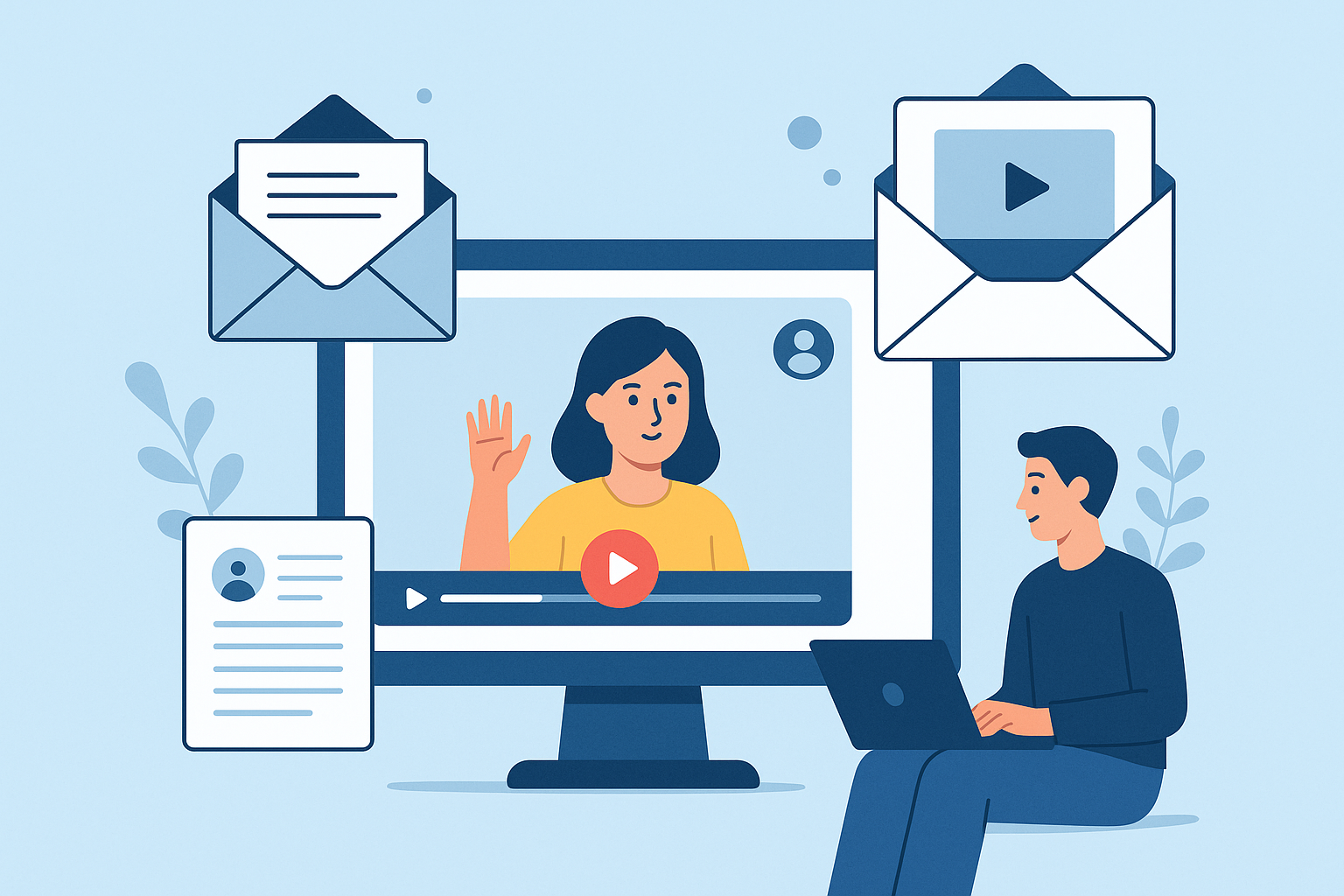
Personalized Video Outreach: Best Practices for Email Marketing That Boost Response Rates
Introduction: what's personalized video outreach and why it matters for email
Personalized video outreach in email marketing uses short, tailored videos embedded or linked in email campaigns to speak directly to an individual recipient or segment. Unlike generic video or static content, personalized videos combine visual storytelling with data-driven customization (name, role, account details, product usage, etc.) to increase relevance and drive action.
The value proposition is straightforward: when executed with the right best practices for personalized video outreach in email marketing, these campaigns tend to increase open rates, click-through rates, play rates, and conversions while strengthening customer relationships and shortening sales cycles.
Suggested visual: screenshot of an inbox with a thumbnail preview and a short caption explaining the personalization elements (subject line, preview text, visible thumbnail).
Why it matters: benefits and expected uplifts
Personalized video outreach matters because it combines two high-impact elements: the emotional engagement of video and the relevance of personalization. Key benefits include:
- Higher engagement: Video thumbnail + personalized subject lines consistently draw attention in crowded inboxes.
- Improved conversions: Personalized messaging reduces friction and increases trust, improving conversion and demo-booking rates.
- Shorter sales cycles: Visual explanations resolve common questions faster than long email threads.
- Stronger relationships: Seeing a human presenter (even briefly) increases perceived authenticity and rapport.
Typical uplifts organizations report when switching from static email to personalized video outreach: open rate improvements of 10-30%, CTR increases of 20-60%, and conversion uplifts that vary by use case (demo bookings and renewals often see the largest gains). Use these as directional expectations-your mileage will vary by list quality, offer, and execution.
Best practices for creating engaging, concise video content
Focus on clarity, brevity, and a single, trackable CTA. Below are the most effective content-level best practices for personalized video outreach in email marketing.
- Keep it short (30-90 seconds): For cold outreach and initial follow-ups, 30-45 seconds is ideal. For onboarding or product walkthroughs, 60-90 seconds works. Short videos respect attention and increase play-through rates.
- Open with a strong hook (first 3-5 seconds): Start with the recipient's name/role or a clear value statement. The thumbnail and first frames should make the value obvious so viewers click play.
- Use a single, clear CTA: Direct the viewer to one next step (reply, schedule a call, click to a tailored landing page). Reinforce the CTA verbally and visually, and repeat it in surrounding email copy.
- Design a clickable thumbnail/preview: Use a still frame of the speaker making eye contact, add a subtle play button overlay, and include a short caption like “[Name], 45s: Quick product tip.” Thumbnails are often the only thing recipients see before deciding to play.
- improve framing and audio: Use a clean background, good lighting, and clear audio. Most plays happen on mobile-use subtitles or text overlays for viewers who watch muted.
- Keep production scalable: Use templates for intro/outro and branding to speed up creation while preserving authenticity.
- Test tone and format: Try direct-to-camera, screen-share + narration, and animated overlays to see what resonates with each audience segment.
Suggested visuals: sample thumbnails, short storyboard for a 45-second outreach video, and screenshots of muted-play with captions.
Customization & personalization tips (at scale)
Personalization is more than inserting a name. Use data-driven elements to make the message relevant while maintaining production efficiency.
- Dynamic text overlays: Use your video platform to inject job titles, company names, product tiers, or recent activity into the video frames. This is highly visible personalization that elevates perceived relevance.
- Merge fields in email copy and subject lines: Combine personalized subject lines with dynamic video thumbnails and preview text. Example subject: “Alex - 45s on how to reduce churn at Acme, Inc.”
- Segment by behavior and intent: Create tailored scripts for segments (trial users, churn-risk, high-ARR prospects). Personalize the message’s hook and CTA to the segment’s primary objective.
- Personalization at scale with templates: Record a base video and then capture short, personalized intros or outros for each recipient. This keeps production time manageable while delivering individualized touches.
- Use first-party data for relevance: Reference recent actions (e.g., “I saw you used [feature] last week”) to show you’re informed-this increases credibility and click-back likelihood.
Suggested visuals: a side-by-side of a generic video vs. a video with dynamic overlays, example merge-field subject lines.
Integration checklist: step-by-step guidance for embedding video in email
Embedding or linking video into email requires technical and deliverability considerations. Follow this checklist to integrate video smoothly.
-
Choose hosting and a video platform:
Select a reliable platform that supports dynamic overlays, personalized thumbnails, and tracking (play rate, view time). Host videos on a fast CDN to reduce load times.
-
Create clickable thumbnails that link to a hosted landing page:
Because many email clients block embedded video, use a thumbnail with a clear play button that links to a mobile-optimized landing page or lightbox where the video auto-plays.
Suggested visual: sample email layout showing thumbnail with overlay and CTA button beneath.
-
Provide a fallback for clients that block video:
Include an animated GIF preview or a static image with captions and a fallback CTA link. Also include a text link (“Watch this 45s video”) for accessibility.
-
Test in major email clients and devices:
Run inbox previews (Gmail, Outlook, Apple Mail, mobile clients) to verify thumbnail display, subject/preview text, and link behavior. Ensure ALT text and descriptive link text for screen readers.
-
Check deliverability and sender reputation:
Keep HTML lightweight, avoid excessive images or large attachments, authenticate domain with SPF/DKIM/DMARC, and monitor spam complaints. Personalized content shouldn't compromise deliverability.
-
Automate personalization workflow:
Integrate your CRM/ESP with the video platform so merge fields, segment triggers, and send logic are automated without manual file swaps.
Measurement & optimization: what to track and how to iterate
Measure the right KPIs and run systematic tests to improve results. Follow these steps:
-
Define primary KPIs:
Track open rate, click-through rate (CTR), play rate (click-to-play on the landing page), watch-through rate (percentage who watch to the CTA), and conversion (demo booked, trial activated, purchase). Tie each video to a single primary KPI for clarity.
-
Set up attribution and tracking:
Use UTM parameters on thumbnail links, event tags in your video player (play, pause, complete), and CRM hooks for conversions. Attribute downstream conversions back to the email variant that produced the play or click.
-
A/B test systematically:
Test one variable at a time-subject line, thumbnail image, personalized intro vs. generic, video length. Use statistically significant sample sizes before drawing conclusions and run iterative rounds of tests.
-
Analyze qualitative feedback:
Collect replies and survey responses for insight into messaging resonance. Qualitative feedback often points to tweaks that quantitative data alone can't reveal.
-
improve based on cohort performance:
Different segments respond differently. Apply winning variants to high-value segments first, then roll out broader changes if consistent uplifts appear.
Tools to consider: email service provider analytics, video-host analytics (plays, watch time), CRM conversion tracking, and analytics platforms for multi-touch attribution.
Real-world case studies and example scenarios
Below are anonymized examples showing before/after metrics and lessons learned.
Case study 1 - B2B SaaS: demo outreach
Situation: A mid-market SaaS vendor sent standard demo invite emails with a calendar link. Response was low.
- Intervention: Introduced 45-second personalized video intros from an account rep (dynamic overlay with company name) plus a thumbnail linking to a lightweight landing page.
- Before: Open rate 22%, CTR 3%, demo conversion 1.2%.
- After: Open rate 29%, CTR 7%, demo conversion 3.8%.
- Lesson: A short personalized intro increased trust and made recipients more likely to schedule a demo; the cost-per-demo remained positive versus paid channels.
Case study 2 - E-commerce: cart recovery
Situation: An online retailer wanted to reduce abandoned carts.
- Intervention: Triggered a 30-second personalized video (customer name, item image overlay) in the abandoned-cart email and used a “See your item” thumbnail linked to a product page with a limited-time offer.
- Before: Recovery conversion 4.0%, average order value (AOV) unchanged.
- After: Recovery conversion 6.5%, AOV +7% due to a cross-sell in the landing page.
- Lesson: Personalization plus a clear, time-sensitive CTA improved urgency and conversion in a transactional flow.
Case study 3 - Customer success: renewal outreach (example scenario)
Situation: A SaaS company had low renewal engagement for annual contracts.
- Intervention: Customer success managers recorded 60-90 second personalized renewal videos referencing usage stats and a recommended plan.
- Before: Renewal reminder emails saw 18% open and 2% reply rate.
- After: Open rate rose to 26%, reply rate jumped to 9%, and renewals improved in the targeted cohort.
- Lesson: Data-informed personalization in the video-calling out usage and next steps-moved customers to engage with their CSMs.
Suggested visual: before/after metric table or bar chart highlighting CTR and conversion uplift.