Enhancing Email Outreach with Personalized Video Content: A Practical Guide for Sales Teams
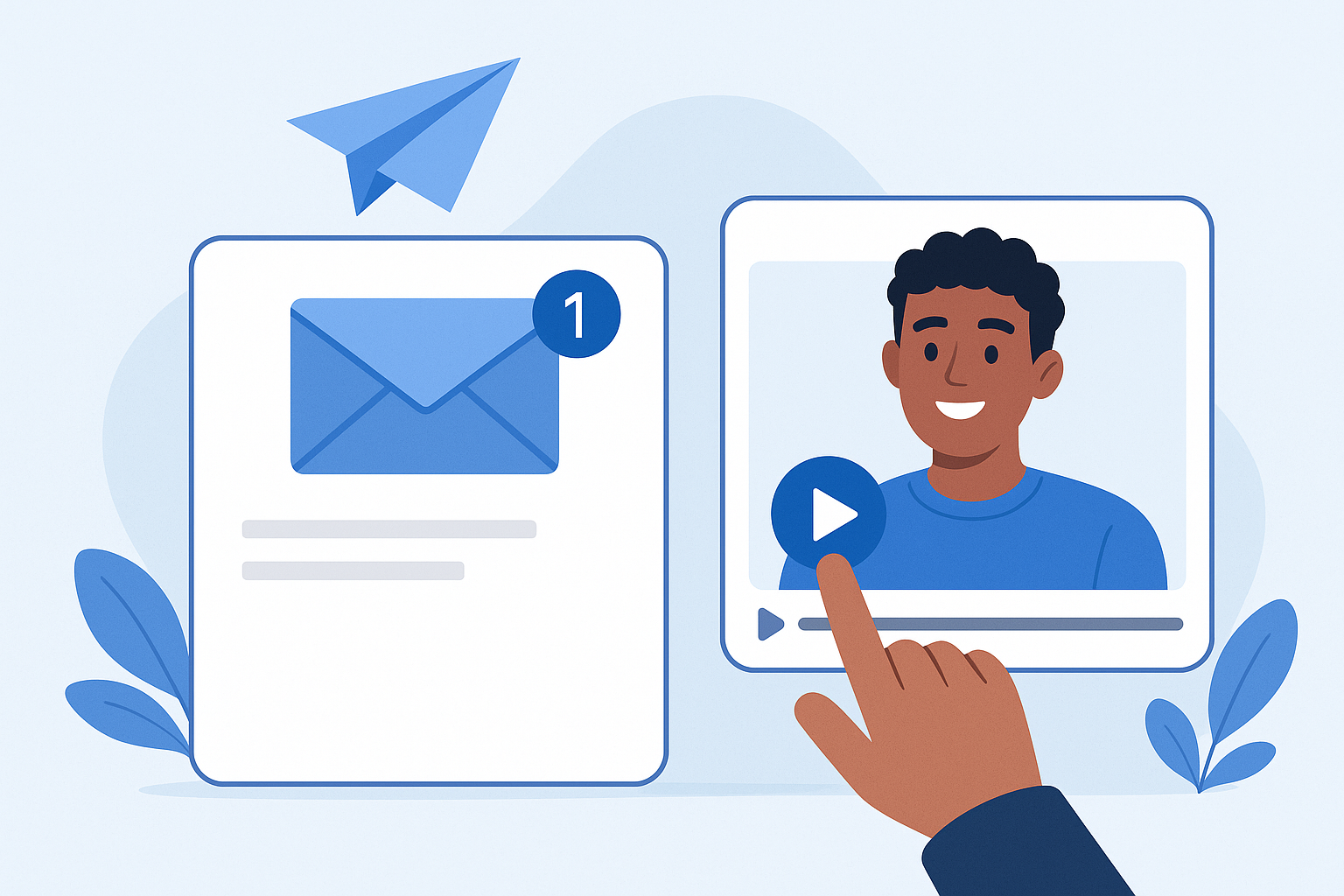
Enhancing Email Outreach with Personalized Video Content: A Practical Guide for Sales Teams
Introduction - Why personalized video matters in email outreach
Adding short, personalized video to email outreach is one of the highest-impact tactics sales and marketing teams can adopt. By combining voice, visual presence, and explicit relevance to a prospect, you increase open and response rates, accelerate trust-building, and shorten sales cycles. This guide explains how to implement personalized video at scale, provides a clear 6-step tutorial-style workflow, offers seven immediately usable strategies and templates, reviews three detailed case studies, covers AI-driven video capabilities, and outlines the KPIs and measurement methods you need to improve performance.
Six-step implementation guide: From planning to continuous iteration
-
1. Plan audience, goals, and success metrics
Define the target segment (e.g., inbound MQLs, outbound ABM accounts, demo no-shows) and set clear goals: reply rate, meeting conversion, or pipeline influenced. Map a baseline for current email metrics so you can quantify lift from personalized video.
- Choose 1-3 segments to pilot.
- Set KPIs: open rate, play rate, reply rate, meetings booked, pipeline closed.
- Decide video length and cadence limits (recommended: 20-45 seconds for initial outreach).
-
2. Script and personalization plan
Create short scripts that combine universal value props with personalization cues. Use a template that allows dynamic fields for prospect name, company, pain point, and a call-to-action.
// Example script outline (20-30s)
"Hi {first_name}, I noticed {company} is doing {signal}. I'm {your_name} at {your_company}. In 30 seconds - we help teams reduce {pain_point} by {benefit}. I'd love to show a quick example - are you free for a 10-minute call?"
Personalization cues: recent funding, product change, job title, mutual connection, content engagement (downloaded asset, webinar attendance).
-
3. Recording tips and tools
Keep videos short, framed professionally, and focused on the prospect. Use a consistent background and good lighting. Walk through the prospect's context, the one-sentence value prop, and a single CTA.
- Camera & audio: Use a 720p+ webcam and lapel mic for clear audio.
- Framing: head-and-shoulders, eye-level camera, neutral background.
- Tools: personal-recording (Loom, Vidyard, BombBomb) or AI-assisted tools (see AI section).
- Accessibility: include a short transcript in the email for text-only readers.
-
4. Embedding and delivery methods
Most email clients block embedded video; use a thumbnail GIF or static image linked to a hosted landing page or player. Ensure the landing page is mobile responsive and loads quickly.

Alternative delivery: include a short animated GIF (2-4s) preview in the email and a plain link for recipients who prefer not to click images.
-
5. Automation and AI integration
Use your sales engagement platform (Outreach, SalesLoft, HubSpot sequences) to trigger video emails, personalize variables, and sequence follow-ups. use AI tools for personalization at scale: auto-generated intros, dynamic value props, and video generation when appropriate.
- Personalized merge fields for name, company, pain point.
- AI-assisted title card or spoken line generation to keep videos brief and relevant.
- Use templates for common segments to speed up recording while retaining customization.
-
6. Test, measure, and iterate
Run A/B tests comparing video vs. text-only outreach, different thumbnails, CTAs, and cadences. Keep sample sizes large enough (100+ per variant) to measure statistically meaningful differences over several weeks.
- Track play rate, reply rate, meeting rate, and pipeline influenced.
- Qualitative feedback: record common objections noted in replies to improve messaging.
- Iterate scripts and thumbnails every 4-6 weeks based on results.
Seven actionable strategies and ready-to-use templates
Below are seven strategies and sample text snippets you can copy into sequences immediately.
-
Subject line templates
- "Quick 30s for {company}"
- "{first_name}, a short idea for {product or pain}"
- "{mutual_connection} thought I should share this - quick vid"
-
Opening hooks for video
- "Hey {first_name}, noticed you recently [signal] - here's a 30s idea."
- "I saw {company} launched {feature} - quick note on how teams reduce churn."
-
Personalization cues
Use these dynamic fields in both email and video script: {first_name}, {company}, {recent_event}, {role_challenge}.
-
Cadence & timing
- Day 0: Short video email (20-30s)
- Day 3: Text follow-up referencing the video + brief benefit
- Day 7: Second video (30-45s) specific to a use case or ROI
- Day 14: Final text break-up email
-
Follow-up templates
Text follow-up example:
Subject: Quick follow-up on my video Hi {first_name}, wanted to follow up on the quick video I sent - any interest in a 10-minute walkthrough on how we helped {similar_company} cut {metric} by X%? -
A/B test ideas
- Video vs. GIF thumbnail
- Personalized first line vs. generic first line
- CTA: "10-minute call" vs. "See a one-minute demo"
-
Scaling tips
- Create 3-5 base scripts per segment and rotate them to avoid fatigue.
- Use assistant or AI to generate personalized scripts, then record in batches.
- Empower SDRs with templated thumbnails and caption cards for brand consistency.
Case studies: Three real-world implementations and results
Case study 1 - SDR team increases reply rates by 48%
Context: A mid-market SaaS company targeted trial users who didn't convert. Approach: SDRs sent a 30s personalized video that referenced the user's usage pattern and suggested a single optimization. Implementation: thumbnail GIF linked to a hosted player; follow-up cadence described above.
Results: Compared to a control group, reply rate increased from 9% to 13.3% (48% lift). Meetings booked increased by 32% and the team achieved faster conversions from trial to paid.
Case study 2 - ABM outbound campaign shortens sales cycle by 21%
Context: Enterprise outbound to 150 target accounts. Approach: Two-touch sequence with an initial personalized executive video and a second video featuring a tailored ROI chart. AI helped generate account-specific value props and first-pass scripts for each video.
Results: Meeting conversion improved 2.1x vs. historical baseline. The average sales cycle shortened by 21% due to faster qualification and more engaged meetings.
Case study 3 - Customer success drives upsell using video outreach
Context: Customer success team targeted customers approaching contract renewal. Approach: Short account review videos summarizing utilization and a recommended plan. Tools: Personalized captions and a CTA to schedule a plan review.
Results: 40% of recipients engaged with the video and 18% scheduled renewal conversations that resulted in an average upsell of 12% per account.
AI-driven video outreach: Capabilities, tools, and best practices
AI has transformed how teams scale personalization without sacrificing relevance. AI-driven video outreach offers:
- Automated script generation based on public or internal signals (LinkedIn, firmographics, product usage).
- Deep personalization at scale via dynamic voiceovers or synthetic presenter segments when live recording is impractical.
- Automated caption generation and multiple language support for global outreach.
Tools and their roles
- Recording + hosting: Loom, Vidyard, BombBomb (human-first recording + analytics)
- AI-assisted personalization: tools that generate custom scripts or on-brand variation for each prospect
- Synthetic video generation: for highly scalable campaigns, with caution on transparency and ethical use
How AI improves personalization and scale
AI can scan public signals and CRM data to propose specific one-liners, draft short scripts, and insert the most relevant use case automatically. This reduces SDR prep time and increases the number of personalized touches per rep. Best practice: use AI-generated scripts as a starting point - have a human review and record key lines to retain authenticity.
Metrics, measurement, and interpreting results
Tracking the right KPIs ensures you can judge the true impact of enhancing email outreach with personalized video content. Key metrics to track:
- Open rate - indicates subject line effectiveness and initial curiosity.
- Play rate - percent of recipients who clicked and played the video (measures thumbnail/preview effectiveness).
- Watch time - average seconds watched; reveals content relevance.
- Reply rate - primary sales signal indicating prospect interest.
- Meeting conversion - meetings booked per video sent.
- Pipeline influenced - deals influenced by video outreach and their value.
Tracking methods
Use a combination of tools to get full visibility:
- Engagement platform metrics for opens and clicks.
- Video host analytics for plays and watch time.
- CRM for tracking replies, meetings, and pipeline attribution.
How to interpret results
Look for lifts in reply and meeting rates vs. historical baselines. High play rate with low reply rate suggests content or CTA weakness; high reply rate with low play rate suggests the subject line and preview are driving replies without video consumption (still useful). Prioritize metrics by business outcome (meetings and pipeline over vanity metrics).
Conclusion - Next steps, recommended toolstack, sample templates, and CTAs
Next steps
Start with a focused pilot: pick one segment, prepare 3 scripts, run the sequence for 4-6 weeks, and measure against a control group. Use the six-step guide above to structure the pilot and iterate based on the KPIs.
Recommended toolstack
- Recording & hosting: Loom or Vidyard for human-recorded videos
- Engagement & sequencing: Outreach, SalesLoft, or HubSpot Sequences
- AI personalization: an AI script assistant to draft personalized lines (use responsibly)
- Analytics: built-in video analytics + CRM attribution (HubSpot/ Salesforce)
Sample email + video template (copyable)
Subject: 30s for {first_name} at {company}
Hi {first_name},
I made a quick 30-second video about how {your_company} helps teams like {company} reduce {pain_point}.
Watch here: https://your-video-host.com/watch?id=12345
If it looks relevant, would you be open to a 10-minute call next week?
Best,
{your_name}
{title} | {company}
Sample HTML thumbnail snippet for emails
<a href="https://your-video-host.com/watch?id=12345" title="Watch my 30s message">
  <img src="https://your-cdn.com/thumbnail-12345.gif" alt="Personal video for {first_name}" style="max-width:100%;">
</a>
Final notes and recommended approach
Enhancing email outreach with personalized video content is not a novelty - it's a high-conversion channel when executed thoughtfully. Prioritize authenticity, measure rigorously, and use AI to augment (not replace) human connection. Consider trying this approach on a small scale, and expand once you demonstrate clear lifts in reply and pipeline metrics.