Strategies for Dynamic Video Content in Emails: A Practical Guide to Personalized Video Outreach
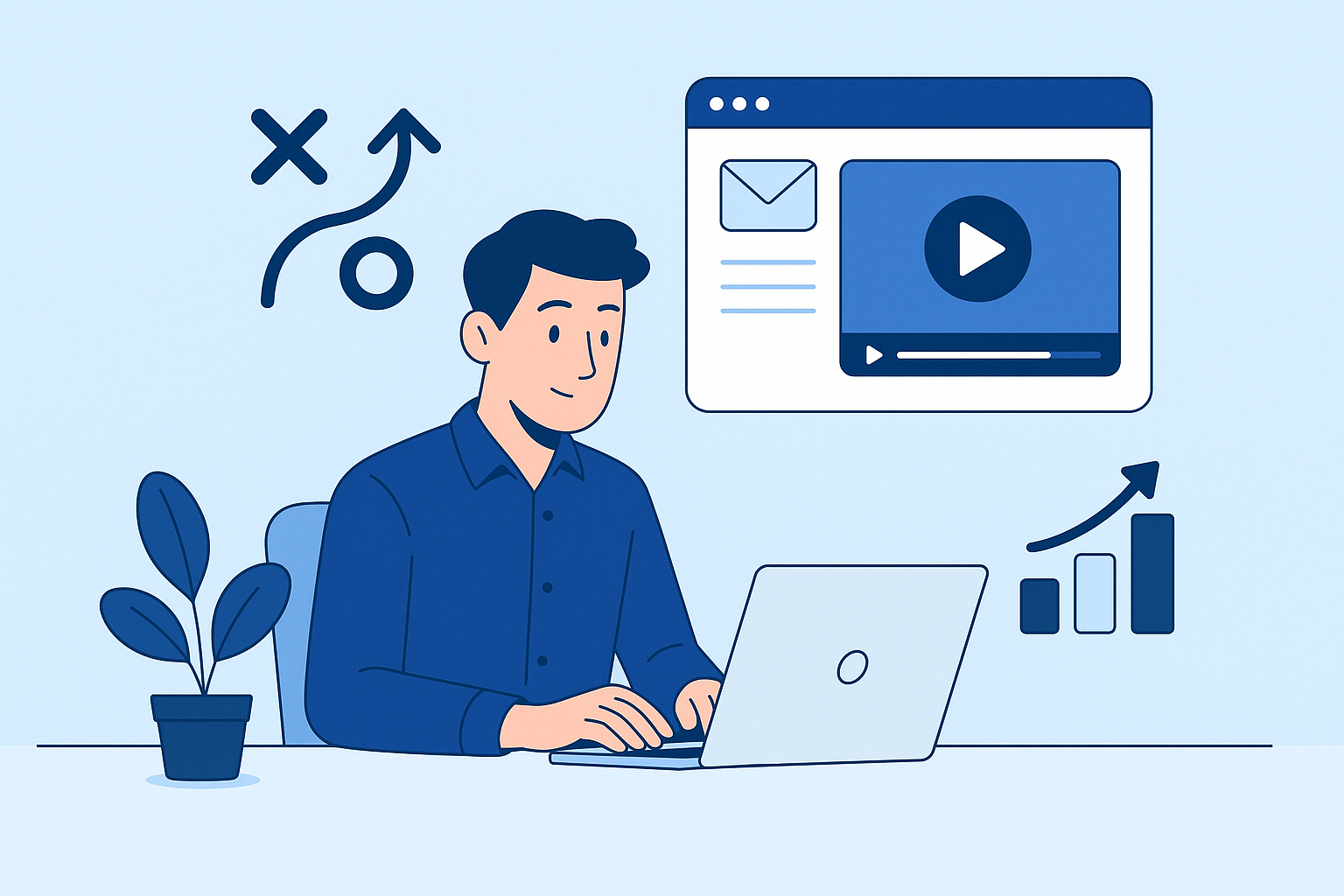
Strategies for Dynamic Video Content in Emails: A Practical Guide to Personalized Video Outreach
Why dynamic video in email matters (and the expected lift)
Email inboxes are crowded. Static text and images often fail to convey emotion, tone, or a persuasive narrative quickly. Dynamic video content in emails breaks through that clutter by delivering motion, personality, and context within seconds.
Industry experiments and vendor reports consistently show measurable lifts when video is used thoughtfully: higher click-through and reply rates, longer engagement, and improved conversion. While results vary by industry and execution, it’s common to see notable uplifts (from modest single-digit gains to multiples of prior performance) when videos are personalized and integrated with clear calls to action. Use the strategies in this guide to target those gains strategically and predictably.
7-step tutorial: From planning to embedding personalized video
This step-by-step process helps writers and email marketers produce personalized video outreach that converts. Follow these steps in sequence and iterate based on feedback and metrics.
-
Define the objective and audience
Decide the primary goal (e.g., book a demo, re-engage churned users, close a sale). Map the audience segments that will receive the video (prospects, active customers, churned users). Clear objectives guide length, tone, and CTA.
-
Plan the content and script
Create a short, focused script-30-90 seconds for most outreach. Structure: quick greeting, one personalized hook (name, company, known pain point), a concise value statement, and a single clear CTA. Use bullets for key talking points so recordings stay natural.
-
Choose the personalization approach
Decide how personalized the video must be:
- High-touch recorded personalization: a unique video per recipient (best for high-value prospects).
- Dynamic template + merge fields: a single video with text/image overlays that change per recipient.
- AI-generated personalization: synthesized intros or full videos created at scale from templates and data.
-
Record or generate the video
Recording tips: use a quiet room, natural or soft lighting, a decent microphone, and a clean background. Keep shots steady and frame subjects at eye level. If generating video with AI tools, verify voice and facial fidelity and ensure compliance with consent and brand standards.
-
Host and prepare for email delivery
Most email clients don’t play embedded streaming video reliably. Use one of these approaches:
- Host video on a streaming platform (private or public) and use an animated GIF or static thumbnail in the email that links to a landing page with the full player.
- Use HTML5 video for clients that support it, with a fallback thumbnail for those that don’t.
- Use lightweight, accessible options like animated GIFs (short, optimized) for a preview experience and then link to the hosted video.
-
Insert the video into the email with a strong CTA
Best insertion pattern: clickable thumbnail or GIF that looks like a video player (play button overlay) and links to a dedicated landing page (or calendaring link for sales outreach). Pair the visual with a concise supporting line and a bold, specific CTA-e.g., “Watch my 45s review →” or “Pick a time to discuss”.
-
Test, send, and iterate
Before a full send, run rendering tests across devices and major email clients, check loading times, and confirm tracking pixels. Launch small A/B tests, measure results, and iterate scripts, thumbnails, and CTAs based on open rates, play rates, and conversion data.
Best practices for personalized video email outreach
Use these best practices to maximize the impact of your strategies for dynamic video content in emails.
- Personalize smartly: Include a single, relevant personalization element (name, company, recent event) in the first 3-5 seconds. Over-personalization can feel creepy-focus on relevance, not data dumping.
- improve subject lines and preview text: Mention video in the subject or preview (e.g., “Quick 45s video for [Name]”) to set expectations. Keep subject lines short and benefit-led.
- Keep videos short and scannable: 30-90 seconds is ideal for sales/outreach; onboarding or product walk-throughs can be longer but should include timestamps or chapters on the landing page.
- Mobile-first design: Ensure thumbnails and landing pages are responsive. Use vertical or square formats when appropriate for mobile-first audiences.
- Accessibility and captions: Always include captions and transcript links on the landing page. Use alt text and accessible HTML semantics in emails for screen readers.
- Deliverability-friendly assets: Avoid attaching large video files. Use hosted players and optimized thumbnails (small file sizes). Monitor bounce rates and spam complaints-heavy media can trigger filters.
- Clear, single CTA: Each video email should ask for one action-watch a demo, schedule a call, complete a form. Reduce decision friction with direct CTAs.
- Fallbacks matter: Provide a compelling thumbnail and descriptive text for clients that can’t play video inline, and include a text-only link to the content.
"Personalized video is not a gimmick-it's a way to humanize outreach at scale when paired with data-driven segmentation."
AI-driven insights: segmentation, scale, and measuring success
AI changes how we implement strategies for dynamic video content in emails: it can identify high-value segments, generate personalized scripts, and measure performance at scale. Here’s how to use AI responsibly and effectively.
Segmentation powered by AI
Use AI clustering on behavior and firmographic data to find segments most likely to respond to video outreach. Prioritize segments by predicted lifetime value, engagement propensity, or stage in the buyer journey.
Generating personalized content at scale
AI tools can create dynamic script fragments, voiceovers, or video overlays that insert names, account details, or custom recommendations into template videos. Best practice: have human review of AI outputs to ensure tone, accuracy, and compliance.
Measuring success with the right metrics
Track these KPIs to measure the effectiveness of personalized video emails:
- Open rate - initial subject line effectiveness.
- Click-through rate (CTR) - clicks on thumbnail or CTA.
- Video play rate - percent of recipients who start the video.
- Watch-through rate / average watch time - indicates content engagement.
- Conversion rate - meetings booked, demos requested, purchases.
- Deliverability metrics - bounces, spam complaints, unsubscribe rate.
A/B testing ideas
Sample experiments to run:
- Thumbnail with face vs. product shot.
- Personalized intro vs. generic intro.
- Animated GIF preview vs. static thumbnail.
- Different CTAs (watch vs. schedule vs. reply).
Privacy, consent, and compliance
When using personal data or AI-generated likenesses, ensure you've consent and adhere to privacy regulations. Maintain an audit trail of data sources and provide opt-outs where required.
Templates, examples, and short case studies
Template: Sales outreach (short personalized video)
Subject: Quick 45s video for [Name] about [Pain Point]
Preview: I recorded a quick note focused on [benefit].
Email body (snippet):
Hi [Name],
I recorded a 45-second video outlining how [Your Product] can reduce [pain point].
[Thumbnail image with play icon]Watch the quick clip - then reply with a time that suits you to discuss specifics.
- [Your name]
Template: Onboarding welcome video
Subject: Welcome to [Company] - a short tour
Email body: Include a thumbnail linking to a 2-3 minute onboarding video with chapters and a transcript, plus a CTA to join a live Q&A.
Template: Re-engagement
Subject: We made something new for you, [Name]
Email body: Short personalized video showing a new feature relevant to the user's past behavior, with CTA to visit a personalized demo page.
Short case studies (anonymized)
Case study A - B2B sales pilot
A mid-sized software company ran a pilot where reps sent personalized 45-second videos to high-value prospects. Outcome: reply rates doubled and qualified meetings rose substantially over the control group. Key drivers were personalization and the single clear CTA to schedule a demo.
Case study B - SaaS onboarding campaign
A SaaS team replaced a long text onboarding email with a 120-second personalized walkthrough using dynamic overlays (customer name, plan features). Outcome: first-week activation and feature adoption increased, and support tickets about setup dropped. The combination of video plus on-page resources improved time-to-value.
Implementation checklist and next steps
Use this checklist to move from planning to execution. It condenses the article's strategies for dynamic video content in emails into an actionable sequence.
- Set the objective and identify target segments.
- Write and time a 30-90 second script; include one personalization hook.
- Choose personalization method (individual, template + merge, or AI-driven).
- Record or generate the video; add captions and a transcript.
- Host the video on a reliable player; create an optimized thumbnail with a play overlay.
- Build the email with alt text, accessible HTML, and a single strong CTA.
- Run inbox rendering tests and deliverability checks.
- Launch a small A/B test and track the KPIs listed above.
- Review results, iterate on script/thumbnail/CTA, then scale to larger segments.
Final thoughts: Strategies for dynamic video content in emails work best when they're purposeful, personalized, and measurable. Consider starting small, proving lift with targeted pilots, and using AI to scale only after quality and compliance checks. With clear objectives and disciplined testing, personalized video outreach can become a high-ROI channel in your email marketing mix.