Leveraging AI for Personalized Video Outreach: A Practical Guide for Email Marketers
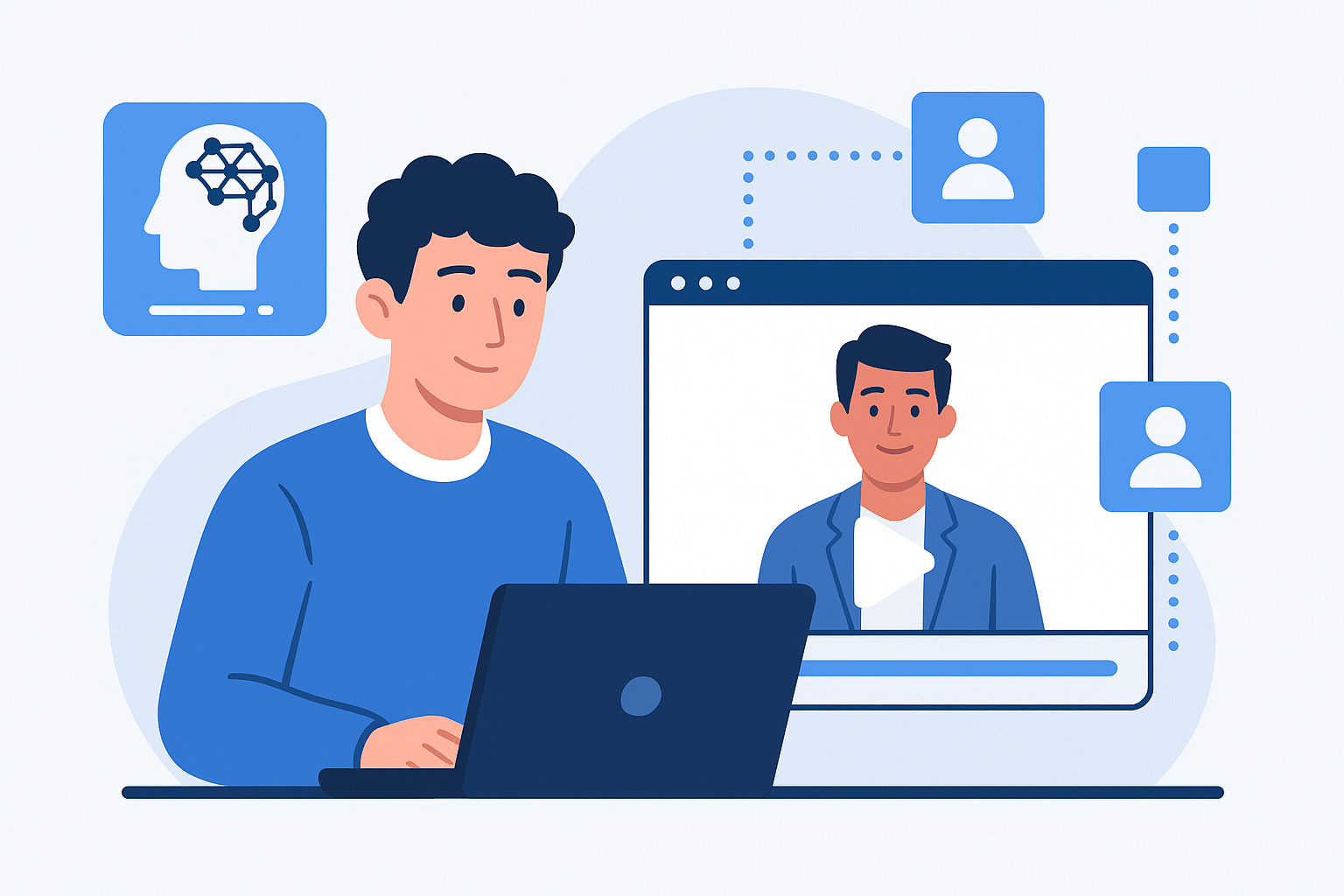
use AI for Personalized Video Outreach: A Practical Guide for Email Marketers
Introduction: what's AI-driven personalized video outreach and why it matters
AI-driven personalized video outreach combines data-driven personalization with video content-automatically tailored to the recipient-for higher engagement in email campaigns. By using AI to generate, edit, or customize videos at scale, email marketers and sales teams can create messages that feel one-to-one while maintaining the efficiency of mass campaigns.
Benefits include higher open and click-through rates, improved conversion and response rates, faster sales cycles, and stronger brand affinity. This guide explains how to get started, step-by-step tactics for producing tailored video messages, best practices, recommended tools, measurement methods, and case examples that show the real-world impact of use AI for personalized video outreach.
Step-by-step tutorial: Create tailored video messages in 6 clear steps
-
Step 1 - Plan your objective and audience segmentation
Define a clear goal: increase trial signups, re-engage churned users, or accelerate sales meetings. Segment your list by stage, industry, behavior (e.g., product usage), or demographic. The more accurate your segments, the more relevant personalization tokens and dynamic content will be.
-
Step 2 - Script with personalization in mind
Write short, conversational scripts (20-60 seconds) that include placeholders for personalization tokens-name, company, recent behavior, or a specific pain point. Start with a one-line hook, add 1-2 personalized lines, and close with a clear, single CTA. Use a consistent template so AI tools can apply dynamic fields reliably.
-
Step 3 - Record or generate the base video
Choose between recorded human video or AI-generated video (avatar or synthetic voice). For recorded videos, keep lighting and framing consistent and record multiple takes for quick edits. For AI-generated content, prepare high-quality scripts and select a voice/avatar that matches your brand tone.
-
Step 4 - Personalize at scale
Use AI tools to swap personalization tokens, modify spoken lines, or overlay dynamic text/images per recipient. Examples include inserting the contact’s name on-screen, referencing a recent action (e.g., "I saw you tried feature X"), or swapping thumbnails to match industry. Test token replacement on sample records to avoid awkward phrasing.
-
Step 5 - Insert video into email thoughtfully
Embed a thumbnail or animated GIF preview (most email clients don't autoplay video). Ensure the thumbnail clearly shows the speaker and a personalized overlay (name or company) where relevant. Use descriptive ALT text and a short caption to improve accessibility and context for recipients using assistive technologies.
-
Step 6 - Send, monitor, and follow up
Schedule sends according to your audience’s timezone and historical open patterns. Set automated follow-ups based on engagement signals (thumbnail click, landing page visit). Ensure your CRM captures video engagement data to trigger workflows like meeting scheduling or tailored nurture sequences.
7 Actionable tips and best practices
- Subject lines: Test including personalized hints (e.g., "Quick question, [Name]") and preview texts that reference the video to increase open rates.
- Thumbnail design: Use a clear human face, eye contact, and a short personalized overlay text (name or company) to raise clicks.
- Clear CTAs: Keep one primary CTA (book a meeting, view a demo) and place it both on the thumbnail link and in body copy for redundancy.
- Use solid personalization tokens: Beyond [FirstName], include tokens for company, product used, last action, or industry to make videos feel relevant.
- Timing and cadence: Send personalized video emails at moments of intent (trial expiration, product milestone). Follow up within 48-72 hours if no engagement.
- Accessibility: Provide captions, transcript links, and descriptive ALT text so videos are consumable for all recipients.
- Quality over length: Keep most outreach videos under 60 seconds. Short, targeted messages outperform longer, unfocused clips.
Tools review: Compare 5 AI/video platforms and integrations
The right platform depends on whether you need human-recorded personalization at scale, AI-generated avatars, or heavy editing. Below are five widely used options with pros, cons, and recommended use cases.
1. Vidyard
- Pros: Native video hosting, personalized thumbnails, in-email GIF previews, strong analytics, CRM integrations (major CRMs), and sales-focused features.
- Cons: Enterprise pricing for advanced features; learning curve for automation and analytics.
- Best for: Sales teams needing integrated video with CRM workflows and detailed viewer analytics.
2. Bonjoro
- Pros: Designed for quick personalized human video messages, simple mobile recording, and easy CRM triggers.
- Cons: Less suited for high-volume synthetic personalization; basic editing tools.
- Best for: Customer success and onboarding teams sending one-to-one video follow-ups.
3. Synthesia
- Pros: High-quality AI avatars and multilingual voice generation, scalable dynamic content, template-driven production.
- Cons: Synthetic avatars can feel less personal for some audiences; requires careful script design.
- Best for: Global campaigns that need consistent messaging across languages and high volume personalized lines.
4. Descript
- Pros: Powerful editing (text-first), AI-powered filler removal, overdub voice cloning, easy caption generation.
- Cons: Primarily an editing platform-not a distribution/email tool; you’ll need integrations for sending at scale.
- Best for: Teams that record human videos and require fast editing and polished output before personalization workflows.
5. BombBomb
- Pros: Email-centric video delivery, simple CRM integrations, tracking for opens and click-throughs, mobile recording apps.
- Cons: Less AI-driven generation features; better for human-recorded outreach.
- Best for: Sales reps who want to frequently send short, personal video emails with integrated tracking.
Key integrations to look for: native CRM connectors (Salesforce, HubSpot, Pipedrive), email providers (Mailchimp, SendGrid), calendar systems (Calendly), and analytics/BI tools for dashboards.
Measuring campaign effectiveness: 4 concrete steps
-
Step 1 - Track the right metrics
Primary metrics: open rate, thumbnail click-through rate (video click rate), play rate on hosted landing pages, reply rate, and conversion rate (meeting booked, purchase). Secondary metrics: video watch time and drop-off points.
-
Step 2 - Set up A/B tests
Run controlled tests comparing personalized video vs. static thumbnail, varying subject lines, or different personalization degrees (name-only vs. behavior-specific). Keep sample sizes statistically meaningful and run until you've clear directional results.
-
Step 3 - Attribute outcomes correctly
Use UTM parameters and CRM tags to attribute downstream conversions to the video outreach. Capture intermediate events-clicks, plays, CTA clicks-in your analytics platform and map them to revenue- or pipeline-generating actions.
-
Step 4 - Build dashboards and iterate
Create dashboards that combine email engagement, video analytics, and CRM conversion metrics. Review weekly for cadence optimization and monthly for message and segment refinements. Use insights to refine scripts, thumbnails, and send times.
Real-world examples and case studies
Below are anonymized examples that illustrate how teams have used AI-driven personalized video outreach and the outcomes they achieved.
Case Study 1 - SaaS trial conversion uplift
A B2B SaaS provider sent personalized 45-second videos to trial users who reached a usage milestone. Videos referenced the specific feature explored and invited users to a short call. Result: a 30-40% increase in conversion from trial to paid for recipients who clicked the video. Learning: tight alignment between personalization (feature reference) and CTA (help with that feature) drives conversions.
Case Study 2 - Sales cadence acceleration
A mid-market sales team used short human-recorded videos (with AI-assisted captioning and thumbnail personalization) in cold outreach sequences. They replaced one generic email with a personalized video touch. Result: meeting-booking rates increased by ~2x for that sequence. Learning: human authenticity plus a personalized message reduced friction in booking discovery calls.
Case Study 3 - Ecommerce cart recovery
An ecommerce brand experimented with AI-generated video reminders, dynamically inserting the abandoned product image and recipient name. Click-throughs to the cart recovered improved by 18%, and including a limited-time incentive lifted conversion further. Learning: dynamic product visuals plus personalization increased relevance and urgency.
Case Study 4 - Local services lead follow-up
An SMB offering home services used quick recorded videos to respond to inbound leads. They automated thumbnail personalization and follow-up messages based on booking status. Result: response rates and scheduled appointments rose substantially, shortening lead response time and raising conversion. Learning: speed + personalization improved trust and booking velocity.
Conclusion and recommended next steps
use AI for personalized video outreach is a practical, measurable way to increase engagement and conversions in email marketing. Start small: define a high-impact segment, script short personalized videos, choose a tool that fits your scale, and measure result using the metrics above. Iterate based on A/B test outcomes and viewer behavior.
Consider trying this approach on one campaign to validate lift, then expand personalization templates and automation as you prove results.
Tip: Keep personalization authentic-AI enables scale, but relevance and clarity remain the strongest drivers of response.