B2B personalized video emails in 2026: practical implementation, ROI, and sales templates
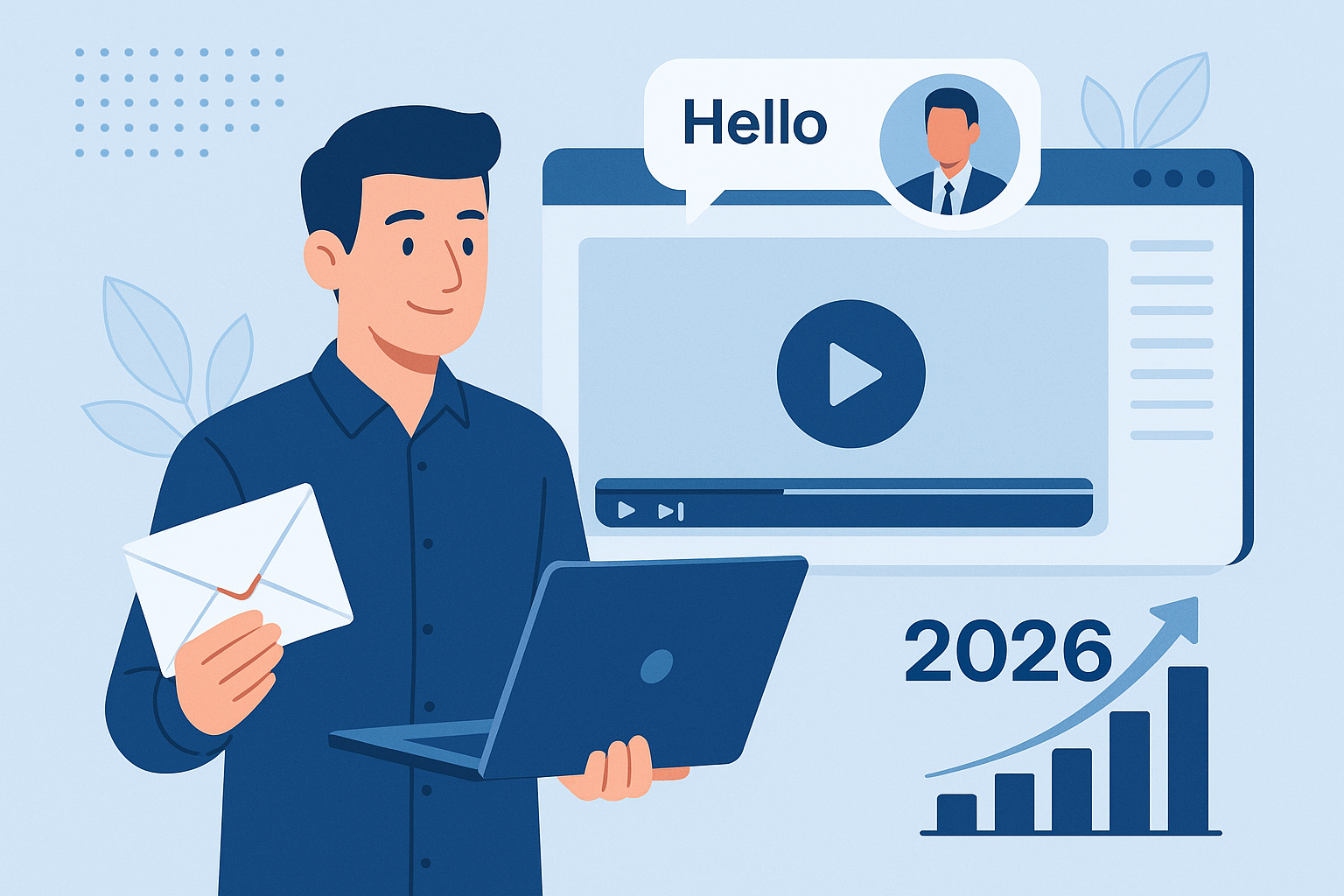
B2B personalized video emails in 2026: practical implementation, ROI, and sales templates
Summary: This guide explains what B2B personalized video emails in 2026 look like, gives a step-by-step implementation plan for sales teams, shows how to measure ROI, shares ready-to-use outreach sequences and templates, and summarizes recent deliverability and privacy developments that affect inbox placement.
Introduction: What are B2B personalized video emails in 2026 - and why they matter
By 2026, B2B personalized video emails have moved from novelty to a repeatable channel for high-value outreach. These are short, targeted videos embedded or previewed inside sales emails, personalized to the recipient (name, company, role, and context) and delivered at scale through CRM/ESP integrations and automated workflows.
Why they matter for B2B outreach:
- Higher attention: video combines voice and visual cues to reduce friction in initial outreach.
- Stronger personalization: dynamic tokens plus contextual scripting improve relevance.
- Measurable lifts: improved reply rates, demo bookings, and pipeline velocity when executed correctly.
- Scalable execution: tools in 2026 let sales teams generate dynamic videos at volume without losing authenticity.
Implementation: a step-by-step tutorial for sales teams
Below is a practical 7-step implementation path to deploy B2B personalized video emails at scale.
Step 1 - Define use cases and KPIs
Select where video will add the most value: cold outbound, ABM nurture, demo follow-ups, or renewal outreach. Tie each use case to 1-2 KPIs (reply rate, meeting rate, SQL conversion, time-to-close).
Step 2 - Plan production and scripting at scale
- Template scripts: create short modular scripts (15-60 seconds) with slots for personalization tokens (name, company, recent event).
- Batch recording: use camera setups or dedicated recorders for SDRs/AEs, or record personalized segments using teleprompter tools.
- Dynamic overlays: prepare visual assets (logo, call-to-action card, contextual screenshot) that can be overlaid per recipient.
- Quality baseline: set minimum audio and framing standards to keep brand consistency.
Step 3 - Personalization tokens and data hygiene
Map CRM fields to your video templates. Common tokens:
- {{first_name}}, {{last_name}}
- {{company_name}}, {{company_size}}
- {{trigger_event}} (e.g., "your recent funding", "your platform migration")
Ensure data hygiene: validate company domains and deduplicate contacts before sending personalized video emails.
Step 4 - CRM and ESP integrations
Connect your video platform to the CRM and ESP so videos render as preview thumbnails or animated GIFs and link to a hosted player. Integration checklist:
- Webhook or native connector between video tool and CRM (to push personalization context).
- ESP-compatible email blocks with responsive thumbnails and accessible fallback text.
- UTM tagging and unique IDs per email to track sessions and conversions.
Step 5 - Automation workflows
Design the journey:
- Trigger: new lead, refresh in account, event attendance, or sequence cadence.
- Create: merge personalized data into video template automatically.
- Send: include thumbnail + play button and a short supporting copy.
- Follow-up: schedule 2-4 step follow-ups based on opens, video plays, and link clicks.
Step 6 - A/B testing and iteration
Test systematically:
- Subject lines: plain versus emoji, name-first versus outcome-first.
- Thumbnail types: face close-up vs. split-screen with product screenshot.
- Length and CTA location: 20s vs 45s; CTA at 10s vs at the end.
- Measure on sample segments before rolling out by region or vertical.
Step 7 - Compliance and deliverability setup
Ensure deliverability and legal compliance:
- Authentication: implement SPF, DKIM, and DMARC on your sending domains.
- Reputation: warm new IPs and domains; monitor bounce and complaint rates.
- Privacy & consent: follow GDPR/CCPA guidance and document lawful bases for outreach.
- Fallbacks: include plain-text alternatives and alt text for thumbnails so the message is clear even if images are blocked.
ROI: measurable KPIs, simple model, and example math
Key KPIs to track
- Open rate (aware of Gmail/image caching caveat)
- Click-to-play (thumbnail clicks)
- View-through rate (percentage who watch 50%+)
- Reply rate
- Meeting / demo booked rate
- SQL conversion rate and pipeline influenced
- Cost per booked meeting and cost per SQL
Simple ROI model (time + cost + conversion lift)
Inputs:
- Average deal value (ADV)
- Baseline conversion (CB) - current meetings per 1000 outbound
- Expected conversion lift from videos (L) - percentage lift
- Cost to produce and send (C) - tooling, production time, and license per send
- Incremental pipeline = 1000 * CB * L * ADV
- ROI = (Incremental pipeline - C) / C
Example math
Assume per 1,000 outbound emails:
- ADV = $25,000
- Baseline meetings per 1,000 = 10 (1%)
- Baseline pipeline = 10 * $25,000 = $250,000
- Conservative lift L = 20% (more replies, more meetings)
- Optimistic lift L = 50%
- Cost per 1,000 sends C = $1,200 (video tooling, production amortized, ESP fees)
Conservative scenario:
- Incremental meetings = 10 * 0.20 = 2 extra meetings
- Incremental pipeline = 2 * $25,000 = $50,000
- ROI = ($50,000 - $1,200) / $1,200 ≈ 40x
Optimistic scenario:
- Incremental meetings = 10 * 0.50 = 5 extra meetings
- Incremental pipeline = 5 * $25,000 = $125,000
- ROI = ($125,000 - $1,200) / $1,200 ≈ 103x
Notes: these are illustrative. Track actual conversion lift using unique UTMs and CRM attribution (touch attribution or custom campaign fields).
Guidance on tracking results
- Use unique campaign tags and player IDs to capture who watched and for how long.
- Sync view/play events back into the CRM as activities.
- Build dashboards that join email sends → plays → replies → booked meetings → closed deals.
- Run cohort analysis by persona, vertical, and template to find highest ROI pockets.
Sales-team examples and templates: sequences, subject lines, scripts, thumbnails
Below are practical sequences for SDRs and AEs. Each sequence includes subject line variations, a video script, thumbnail description, and follow-up cadence.
Sequence A - Cold outbound (SDR, target: VP of Ops)
Objective: earn a reply or a discovery meeting.
- Day 0 Subject (A1): Quick 30s about {{company_name}}'s X
- Alt subject (A2): {{first_name}}, 30s that might save your team hours
- Video script (30s): "Hi {{first_name}}, I’m [Name] from [your company]. I noticed {{trigger_event}} at {{company_name}} and thought you might welcome a faster way to [benefit]. In 30 seconds: we help teams reduce [time/cost metric] by X. If this looks relevant, I’ll send a short case study. Would Tuesday or Thursday be better for a quick call?"
- Thumbnail: Close-up headshot, left third overlay text "30s - For {{company_name}}", brand logo small in corner.
- Cadence: Day 0 video email → Day 2 plain-text follow-up referencing the video → Day 5 value-add email with a one-slide PDF → Day 8 breakup.
Sequence B - ABM touch for named accounts (AE)
- Subject: A short idea for {{company_name}}'s Q3 plan
- Script (45s): "Hi {{first_name}}, congrats on [recent milestone]. I built a one-minute walkthrough showing how we’d map our solution to your current stack - here’s one specific KPI we can improve. If this resonates, I’ll book 20 minutes to walk through a tailored plan."
- Thumbnail: Split-screen: sender on left, annotated screenshot of their product or a dataset on right; overlay play icon.
- Cadence: Video email → Day 3: send the same video by LinkedIn message with a note → Day 7: send a case study PDF with a 15s personalized video intro.
Sequence C - Post-demo follow-up (AE)
- Subject: Thanks + next steps (15s)
- Script (15s): "Thanks for your time, {{first_name}}. I summarized the three outcomes we discussed and added the next steps. I’ll follow up with dates for the pilot."
- Thumbnail: Presenter pointing to a 3-bullet overlay; brand color CTA.
- Cadence: Immediately after demo → Day 2: deliverables email with short video recap → Day 6: proposal with a 30s personalized cover video.
Best-practice subject lines and tips
- Keep subject lines under 50 characters for mobile.
- Use the recipient's first name or company sparingly - test for open lift vs spam signals.
- Test including the video length in subject (e.g., "30s: idea for Acme").
- Always include clear next steps in the video and supporting text (calendar link or propose times).
Copy snippet template (for email body)
Hi {{first_name}},
I recorded a quick 30s idea for {{company_name}} - preview below. If it’s relevant, I can share a one-page pilot plan. Available Tue/Thu this week?
- [Your name]
Recent developments and deliverability: what changed and practical adjustments
Major email providers, led by Google/Gmail, have continued tightening signals that determine inbox placement and how images/videos are served. Key trends through 2024 and what to do in 2026:
1. Image caching and privacy
Gmail and many providers cache images and proxy them through their servers, which affects open pixel accuracy but ensures images are scanned. Practical adjustments:
- Don't rely on open rates alone-use play events from the video player to measure engagement.
- Host videos on secure, fast players and ensure player domains are stable to avoid being flagged.
2. Stronger emphasis on authentication and sender reputation
Providers favor authenticated senders (SPF, DKIM, DMARC) and consistent sending patterns. Practical adjustments:
- Implement and monitor SPF, DKIM keys and enforce DMARC with reporting.
- Warm new sending domains and IPs slowly; monitor bounce, spam, and unsubscribe rates.
3. Interactive and dynamic content support
Gmail supports advanced formats (e.g., AMP for Email) - but support varies and can increase complexity. Practical adjustments:
- Use progressive enhancement: provide an AMP/interactive version where supported and solid HTML fallback otherwise.
- Test interactive content across clients; ensure your video player gracefully falls back to hosted pages where necessary.
4. Privacy and consent (regulatory and platform-driven)
Privacy-focused changes (cookie-less environments, tracking restrictions) mean first-party tracking wins. Practical adjustments:
- Capture and favor first-party analytics (Utm + server-side events) and sync play events to CRM via secure webhooks.
- Document consent for outreach and offer clear unsubscribe options to safeguard deliverability.
5. Ongoing monitoring
Set up a regular review cadence for deliverability:
- Weekly: complaint and bounce rates
- Monthly: sender reputation reports and seed inbox testing
- Quarterly: domain audits and SPF/DKIM rotation
Conclusion & next steps: checklist, experiments, and resources
Deploying B2B personalized video emails in 2026 successfully requires clear use cases, clean data, integration discipline, and measurement. Below is an implementation checklist and a set of experiments to prioritize.
Implementation checklist (copyable)
- Define 2 priority use cases and target KPIs.
- Create 3 video templates with personalization tokens.
- Set up SPF, DKIM, DMARC for sending domain(s).
- Integrate video tool with CRM/ESP and enable event sync for plays/replies.
- Run a 1,000-send pilot with A/B tests (thumbnail, subject, length).
- Track UTMs, play events, replies, meetings, and pipeline in CRM dashboards.
- Audit results after 30 days and scale winners.
Suggested experiments (quick wins)
- Experiment 1: Face-only thumbnail vs. product screenshot-measure click-to-play lift.
- Experiment 2: 20s script vs. 45s script-measure view-through rate and meeting conversion.
- Experiment 3: Personalized subject line vs. outcome subject line-measure opens and replies.
- Experiment 4: Add one-slide tailored screenshot in the video-measure demo bookings.
Resources and next steps
Document your templates and routing rules in your sales playbook. Consider piloting with one vertical or region to improve messaging. For additional operational resources, consult internal knowledge bases and vendor docs, and review vendor-specific integration guides on vimail.io for platform specifics.
Templates & copy (ready to paste)
Subject: 30s idea for {{company_name}}
Hi {{first_name}},
I recorded a 30s idea showing how we could reduce {{pain_metric}} at {{company_name}} - preview below. If it looks useful I’ll send a one-page pilot plan or book 15 minutes this week. Tue/Thu better?
- {{sender_name}}
Video script (30s):
"Hi {{first_name}}, I'm {{sender_name}}. We help companies like {{company_name}} reduce [metric] by X%. One example: [brief customer result]. If you'd like, I can share a short plan specific to your stack - are you free for 15 minutes next week?"
Consider trying this approach and iterating based on early signals.